 |
PuTTYNo-cost SSH and Telnet suite for Windows, Linux, and macOS |
||||||||||||||||
|
Get PuTTYCurrent stable releaseNo-cost setup · Windows MSI · Linux and macOS packagesPuTTY is a no-cost, open-source terminal emulator and network client. Reach systems through interactive SSH and Telnet, plug into serial ports, or open raw TCP channels. The Windows MSI places putty.exe, puttygen.exe, pscp.exe, psftp.exe, plink.exe, pageant.exe, and companion programs in a single setup. For installation, your first SSH sign-in, and PuTTYgen basics, follow the Step-by-step guide on this site. Why PuTTY stays in the toolboxCapabilities that operators and engineers rely on when they need a dependable remote shell. Hardened remote access:
Stored sessions and refined UI:
Companion programs beside the client:
Beyond Windows desktops:
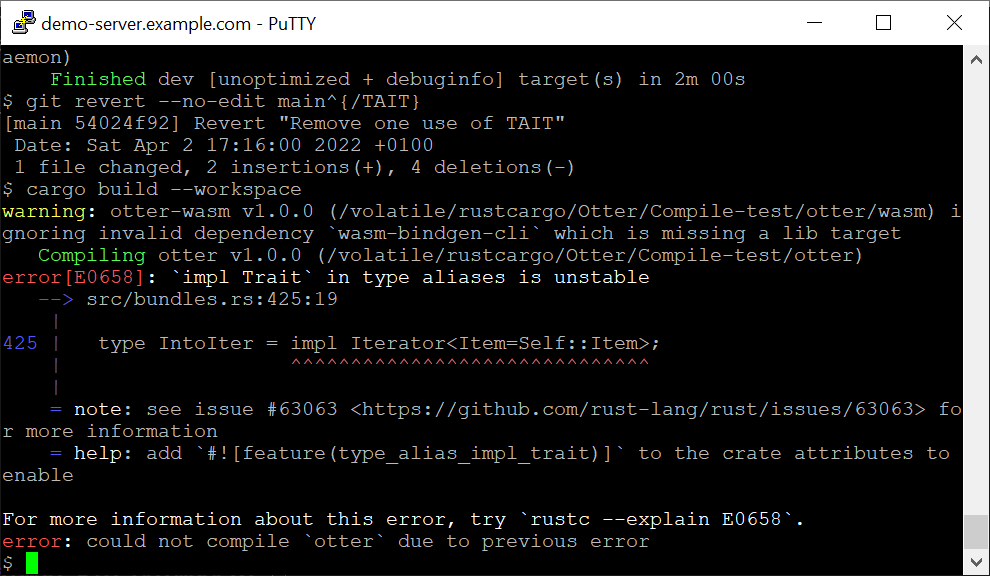
Reference notesWhere Windows keeps preferences, typical package-manager one-liners, and checks before approving a host. Choose Copy block to lift text into documentation or a terminal. Windows registry (sessions and host keys)On Windows, PuTTY saves settings under Registry paths PuTTY writes on WindowsUnix-style data folderOn Linux and other Unix ports, PuTTY typically stores random seed data and session files under Typical paths on Linux / UnixPackage-manager install linesExample install commandsPuTTY binaries delivered via Windows MSIExecutables the MSI installsFirst-connection checklistVerify the host name or IP, port (22 for SSH by default), and protocol. On the first handshake, align the host-key fingerprint with what your operator publishes. Keep private keys passphrase-protected and use Pageant or agent forwarding only on hosts you control. Typical PuTTY SSH flowFavor builds from the official PuTTY project that ship checksums. If you use mirrors or app stores, validate signatures whenever provided. See PuTTYgen for SSH key workflows. Interface gallerySelect a thumbnail to zoom; arrow keys move between shots: |
||||||||||||||||
| PuTTY · downloadputty.io · Open-source Windows SSH terminal and related tools. All rights
reserved. . |